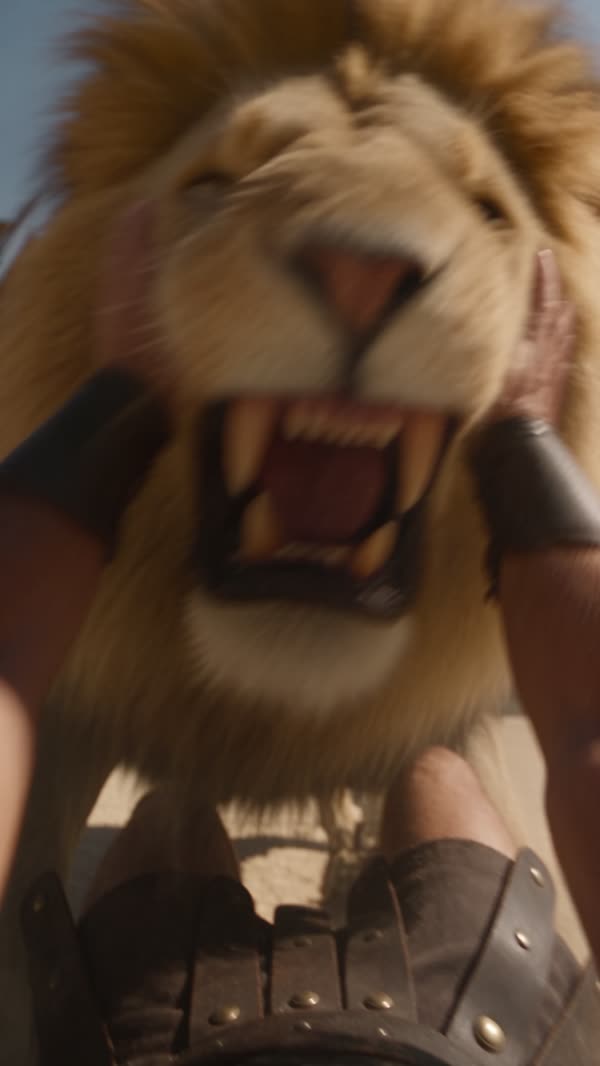
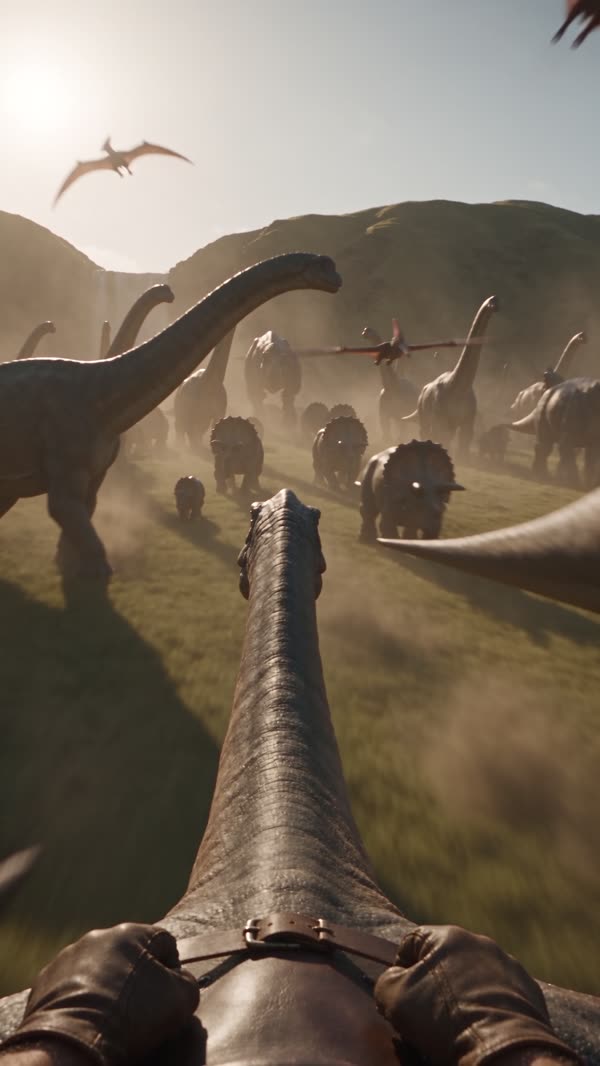
A video course on first-person AI rides: the prompt, the Higgsfield settings and real credit costs, realism and movement, voice and sound, the edit, and one full project from a blank page to a finished Reel.
Or just the Prompt Pack, or the course with the 61-prompt Vault and video reviews: see all four options ↓
🎃 Halloween bonus: the 61-prompt Vault comes with the course until 31 Oct, 11:59 pm Pacific. Ends in
“What makes a POV video feel real”: the four things every POV ride that holds attention has in common, shown on real rides. This is exactly what a lesson inside looks like.
Skills, not promises. Nothing here guarantees views or income: you get a repeatable process and the judgement to fix what goes wrong.
Pick an idea people get in one second and design a first frame that's already mid-action.
Write a complete 9-part POV prompt, keep it one take, and adapt it to any creature or world.
Set up Cinema Studio 4.0, budget your credits, draft at 480p and upscale only the winner.
Diagnose a bad draft with timestamps and fix it with one named change instead of starting over.
Add an ElevenLabs voice line, layer sound design, and use music you're actually allowed to use.
Edit, export and post a Reel: speed ramps, the POV line, safe zones and a cover that reads.
▶ marks a narrated video lesson with captions and a transcript; every lesson also has full written notes. Higgsfield screens and prices were checked on 26 October 2026.
What makes a first-person ride feel real, how to study one, design the hook and plan the beats.
The 9-part prompt, camera language, world and light, consistency, four complete prompts and your own template.
The real Cinema Studio 4.0 interface, settings and credit costs, references, the draft loop and fixing failures.
Speed you can feel, creatures with weight, turns and continuity, and frames that stay readable.
Narration with ElevenLabs, sound in layers, music that fits and is licensed.
Trim, pace and sync the edit, fix quality and artifacts, and export for Reels.
A complete ride, start to finish, with every prompt, draft, fix and edit decision shown.
A repeatable weekly workflow, adapting prompts, the limits of AI video and a consistent style.
Original prompts and blocks by category, each with its purpose, variations and limits.
Captions and covers, reading Insights, the comment-to-DM funnel, and working with brands.
Module 7 makes one ride from a blank project to a finished Reel: both drafts, the fix that didn't work, the decision, the edit and the bill. The test drafts are shown as they came out.
Final edit: drafted at 480p, upscaled, edited and sound-designed. 140 credits.
480p test draft of a prompt from the lesson.
480p test draft of a prompt from the lesson.
480p test draft of a prompt from the lesson.
Complete ride prompts, blocks for dives, turns and transitions, atmosphere lines, and finishing recipes. Each entry has its purpose, variations and known limits.
Every entry is honestly labelled: generated for the course, behind a published HEYVXRA ride, from the original Prompt Pack, or new and not yet tested. All original and franchise-free.
The course teaches the tools; it doesn't include them. Prices below are from the course's own account on 26 October 2026 and change often: the Generate button always shows the current cost.
A paid plan for Cinema Studio 4.0. Credits are separate from this course. At 480p a 15-second draft is 45 credits; a typical finished 15-second ride is about 185.
ChatGPT or similar, to draft and fix prompts with the copy-paste requests in the lessons. Free tiers work.
Only if you want narration. The course uses it inside Higgsfield (about 3 credits for a 700-character paragraph).
CapCut or any editor you know, on a phone or computer. The editing lessons use steps that exist in all of them.
Every review comes from a verified buyer through the course page and is shown in full, good or bad.
One payment, lifetime access on this site, every update included. 15 lessons are on video today and every lesson has complete written notes. The rest of the video lessons are being added at no extra cost.
Bought the POV Prompt Pack before? Your personal access link now opens this course. Lost it? Email me with your receipt.
Get the course by Halloween (31 Oct, 11:59 pm Pacific) and the 61-prompt Vault is included. It normally comes only with Course + Vault.
Ends in
Secure checkout by Stripe. Instant access on this site; course buyers also get a personal link by email.
AI tools are paid separately. No promises of views or income. Terms & refunds
Lesson 1.1 free, plus the three things I check on every POV ride and the settings I use. Four short emails, then only new rides. Unsubscribe any time.
Emails come from ryan@heyvxra.com through Kit. Privacy.
On Patreon, members get the full prompt behind each new Reel, my settings, and how I make the first frame stop the scroll.
Rather have one made? Tell me the world and the creature, and I'll make your own 10–20s POV film. From $99, paid only once your idea is confirmed.
Enjoying the videos? A one-time tip through PayPal keeps the next ride coming. Thank you.
A Higgsfield plan that includes Cinema Studio 4.0 (sold separately, with its own pricing) and any video editor. An AI chat such as ChatGPT helps with drafting prompts, and ElevenLabs is only needed for narration. The full list is in “What you need” above.
On the course's account (26 October 2026): 3 credits per second at 480p, so 45 for a 15-second draft; a Topaz upscale to 1080p is 5 credits at 24 fps. A typical finished 15-second ride, with two drafts, one fix and an upscale, is about 185 credits. Prices and plans change, so the course teaches you to check the Generate button every time.
Right after checkout you're taken to what you bought on this site: the course, or the Prompt Pack download. Course buyers also get a personal link by email to get back in on any device; Prompt Pack buyers see theirs on the download page. Lessons stream on this site; the notes, templates and PDFs download.
All 34 lessons are complete as written lessons with prompts, exercises and downloads, and 15 of them also have a narrated video. The narration is an ElevenLabs AI voice, over real Higgsfield screens and renders from my account. Video versions of the remaining lessons are being added; they're included for everyone who buys the course. The curriculum above shows which is which.
Yes. Module 1 starts with what makes a POV video work, Module 3 walks through the real Higgsfield screens, and Module 7 makes one ride from a blank project, step by step.
Nothing can promise that, and this course doesn't. You learn the process and the fixes; results depend on your ideas, consistency and luck.
It's a digital product you can use straight away, so sales are final once you have access, except where the law says otherwise. If your access link doesn't work, a file won't open, or you were charged twice, email me within 30 days and I'll fix it or refund you. Full terms.
Yes. Your personal access link from the original purchase opens the new course, and the original Prompt Pack PDF is still in the downloads.
Yes. I'm a Higgsfield Creative Partner, and the Higgsfield link is an affiliate link. I may earn a commission at no extra cost to you. You don't have to use it.
Yes. You can commission a custom POV video from $99. Brands can book sponsored Reels or AI ad production, or email vxra.business@gmail.com.
Every video is made in Higgsfield (Cinema Studio 4.0). Try Higgsfield → Affiliate link: I may earn a commission if you subscribe, at no extra cost to you.
Sponsored POV Reels on @heyvxra from $500, and cinematic AI ads for your own channels from $400.